
GST billing
GST billing software that does the tax maths for you
Pick the customer, add the items and save. Invoiqo applies the GST rate you set on each product, splits it into CGST and SGST or IGST from the place of supply, and gives you a clean tax invoice to print, download or share.
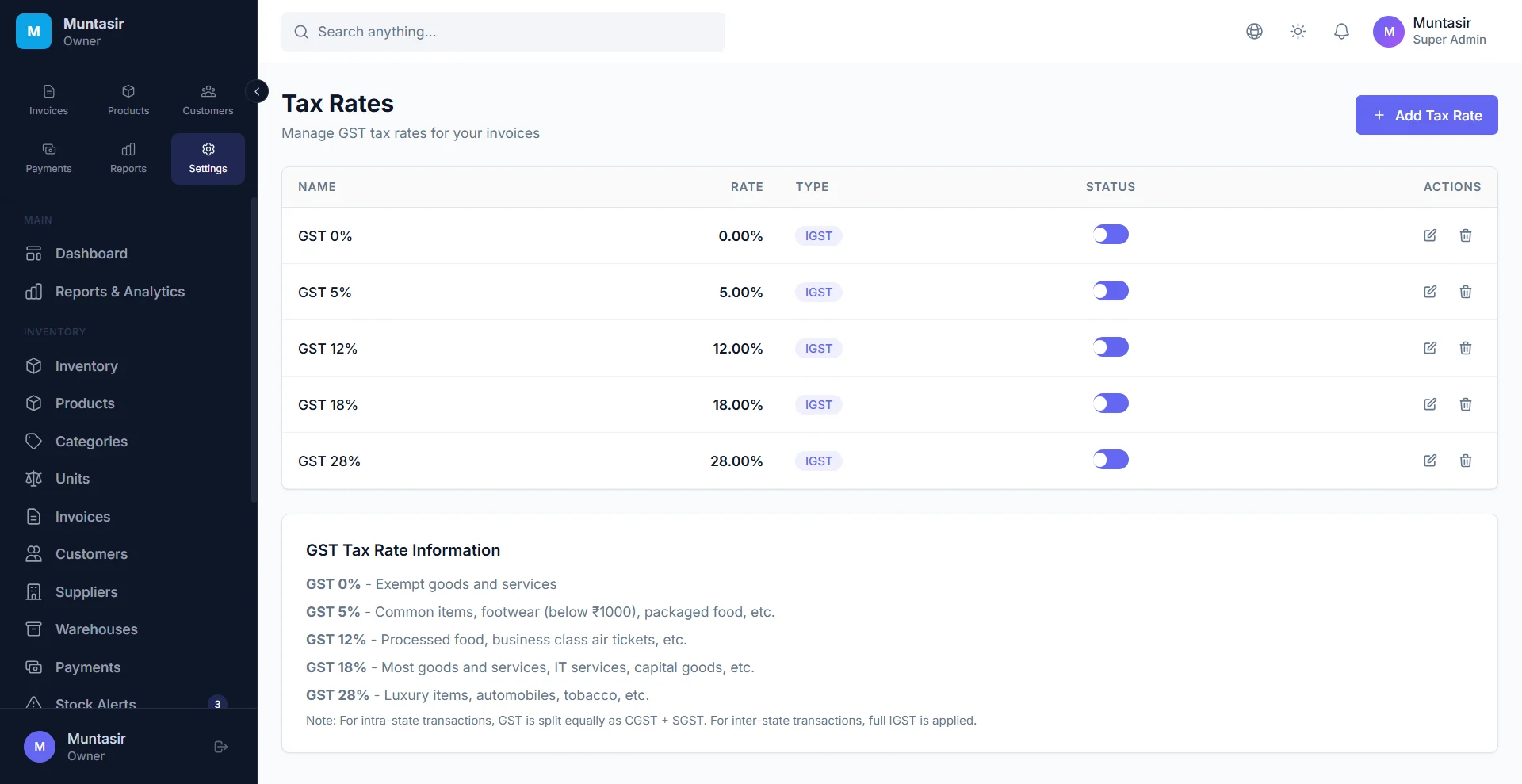
GST billing
What you get
CGST + SGST or IGST, chosen for you
Invoiqo compares your state with the customer’s GSTIN or state. A sale in your own state gets CGST and SGST; a sale to another state gets IGST.
Every document you need
Tax invoices, cash memos, quotations, proforma invoices, delivery challans, credit and debit notes, purchase orders and purchase bills.
HSN summary on every invoice
Each line carries its HSN or SAC code. The PDF adds a tax summary by HSN and rate, and the total in words.
Discounts, charges and cess
Line and bill discounts, freight or packing charges, cess, tax-inclusive prices and reverse charge are all handled. The total is rounded to the rupee.
Convert instead of retyping
Turn a quotation, proforma or delivery challan into a sales invoice, and a purchase order into a purchase bill, without entering the items again.
Numbers by financial year
Invoice numbers follow the financial year of the invoice date and never repeat, even when two people bill at the same time.
How it works
-
Add your business details
Enter your GSTIN or state, and upload your logo and signature. They appear on every invoice.
-
Add products and customers
Save each product with its HSN code and GST rate, and each customer with their GSTIN or state. You can import products from a CSV or Excel sheet.
-
Make the invoice
Choose the customer and add items. The tax and the total update as you type.
-
Print, download or share
Print it on A4, download the PDF or share a link. Use a credit note later if goods come back.
Frequently asked questions
How do I make a GST invoice in Invoiqo?
Open Invoices, choose a new invoice, pick the customer and add the items. Invoiqo fills in the HSN code and GST rate saved on each product, works out CGST and SGST or IGST, and gives the invoice its number. Save it, then print it, download the PDF or share a link.
What details should a GST tax invoice show?
A tax invoice normally shows your name, address and GSTIN, an invoice number and date, the customer’s name and address (and GSTIN if they are registered), the HSN or SAC code, quantity, taxable value, the rate and amount of each tax, the place of supply and your signature. Invoiqo prints these from your settings and the invoice. Ask your CA about special cases.
Does Invoiqo work out IGST for sales to another state?
Yes. Invoiqo reads the state from the customer’s GSTIN or address. If it is different from your state, the invoice gets IGST; if it is the same, CGST and SGST. You can also set the place of supply on the invoice yourself.
Can I make a bill without GST?
Yes. When no GST is charged on a sale, for example on exempt goods, Invoiqo titles the document “Bill of Supply” instead of “Tax Invoice”.
Can I add my logo and signature to invoices?
Yes. Upload them once in Settings. They are printed on every invoice PDF, along with your default terms and conditions.
Is the Free plan enough to start billing?
Yes. The Free plan includes a monthly allowance of GST invoices, with no card and no expiry. See the pricing page for the current limits and what the paid plans add.
Try it free today
The Free plan never expires and needs no card. Set up in a few minutes.
- No credit card
- Free plan never expires
- English, हिन्दी, বাংলা